

Learn the key features for modern document collaboration in a typical day-to-day office routine and when working from home—even if you have not used SharePoint before, or if you already work with the system a lot but are looking for a compact refresher course that you can complete in full in half a day.
In the three course modules, Holger Wöltje first shows you the basics of how to use it, why not every SharePoint site always looks the same, and gives you an overview of how the most important features support collaboration with your team. You will learn how to upload documents, edit them together at the same time in the web or desktop apps, check documents out and in, and use version history to view an earlier state at any time when changes are made.
You will also receive tips on creating and customizing new SharePoint sites, detailed permissions, and learn how SharePoint and Teams work together, how to set up automatic notifications for specific documents as often or as rarely as you like, and how to reference documents in a modern way using hyperlinks—once everyone on your team has internalized these functions, you will save a lot of unnecessary emails and gain a much clearer overview.
SharePoint basics course
Share files, store them in a structured way, and collaborate more effectively with SharePoint—this basics course shows you the most important features for modern collaboration in everyday office work. You will discover:
- what benefits SharePoint offers for working with shared files across locations,
- why it is worth getting to grips with the functions that may seem complicated at first, how you can benefit quickly from them, and
- how the structure of SharePoint pages is set up,
- how to upload documents, edit them together simultaneously, and
- access SharePoint directly from the desktop apps,
- how to sync document libraries with Windows Explorer (e.g., for offline access),
- the version history with comments and major/minor versions, as well as
- how to use document check-out/check-in effectively, and
- how to use automatic notifications for changes to save many unnecessary emails.
SharePoint advanced course
Building on the basics course, in this advanced course Holger Wöltje shows you further tips for day-to-day work with SharePoint—things that not everyone on your team may need to know, but that at least the people responsible for managing the sites (not IT administrators, but the people on your team who, for example, maintain the site as an assistant, or as a manager take care of the structure and setting up new sites, or as a technically savvy colleague ensure everything runs smoothly for the rest of the team) should be familiar with. Among other things, you will learn how to:
- create a new SharePoint site and choose the settings correctly,
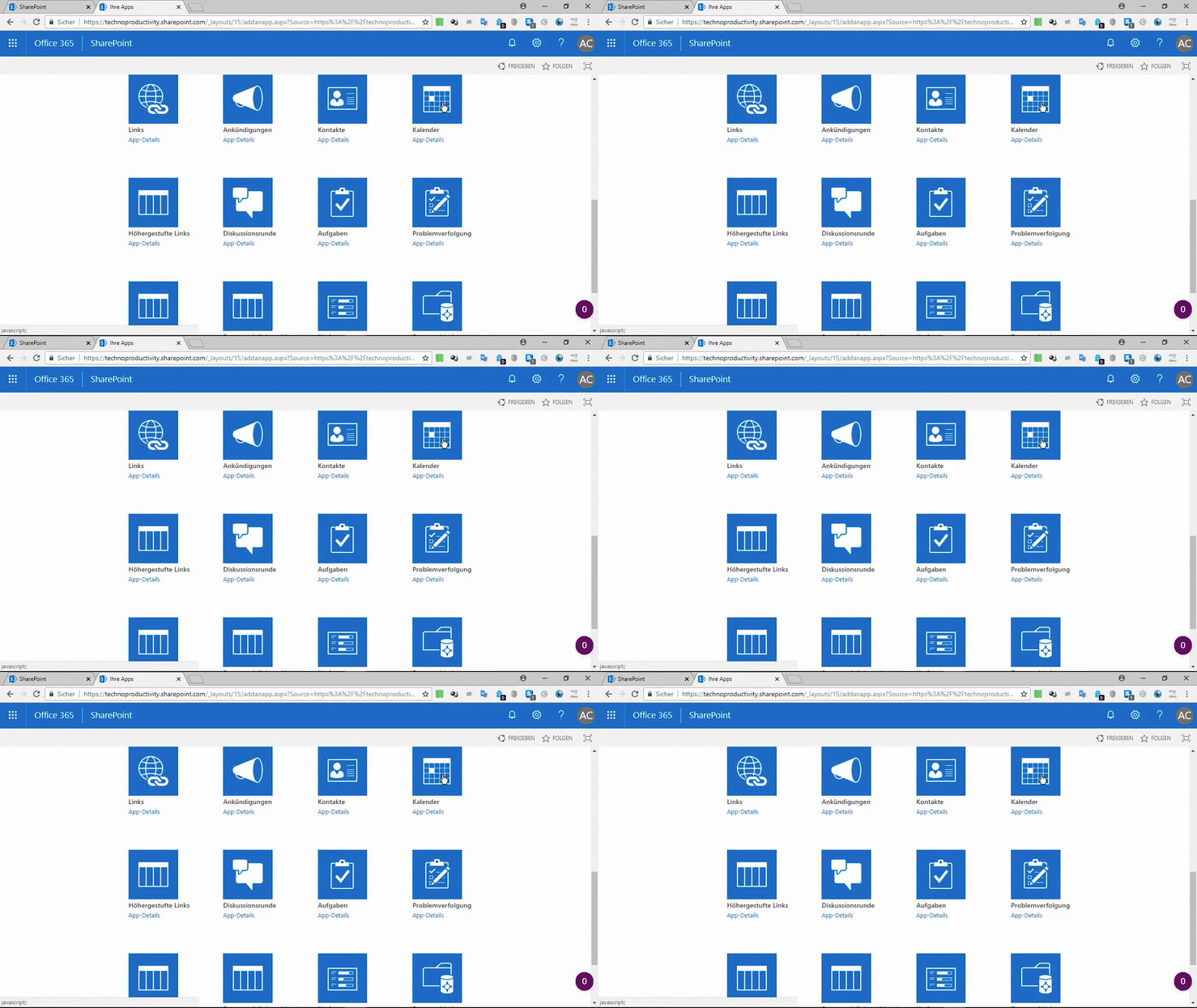
- customize the layout and add apps,
- use Microsoft Teams in combination with SharePoint and how Teams creates SharePoint sites in the background,
- check in on behalf of others forgotten checked-out documents, configure permissions in detail, and
- adjust the version history settings (e.g., enable major/minor versions).
Collaboration with Office 365
(SharePoint course, as SharePoint is the central hub)
In this overview course, Holger Wöltje shows you as a supplement to the SharePoint basics course how to use the collaboration features for files in Office 365, and how the individual components—from the desktop apps and web apps through to SharePoint—work together and are integrated. You will learn:
- how to use the web apps to work together simultaneously on the same document (even without a video conference, from different locations), and
- how to work on the same document together using the desktop apps as well, and
- how to integrate features for working with online documents (e.g., version history) directly into the Quick Access Toolbar
- how to reference a document in a modern way using hyperlinks, customize the appearance of the links, and
- so that you can always open the current version of the document even after later changes,
without constantly sending dozens of emails with updated attachments with every change.